01
Physical fit
Confirm the mount, thread, shoe, clamp, cage, plate, plug, or connector type.
Compatibility is more than matching a camera to a lens. A dependable setup connects the correct mount, coverage, payload, power, media, audio, lighting, and protection choices into one coherent workflow. Use this guide to evaluate every connection before you buy.
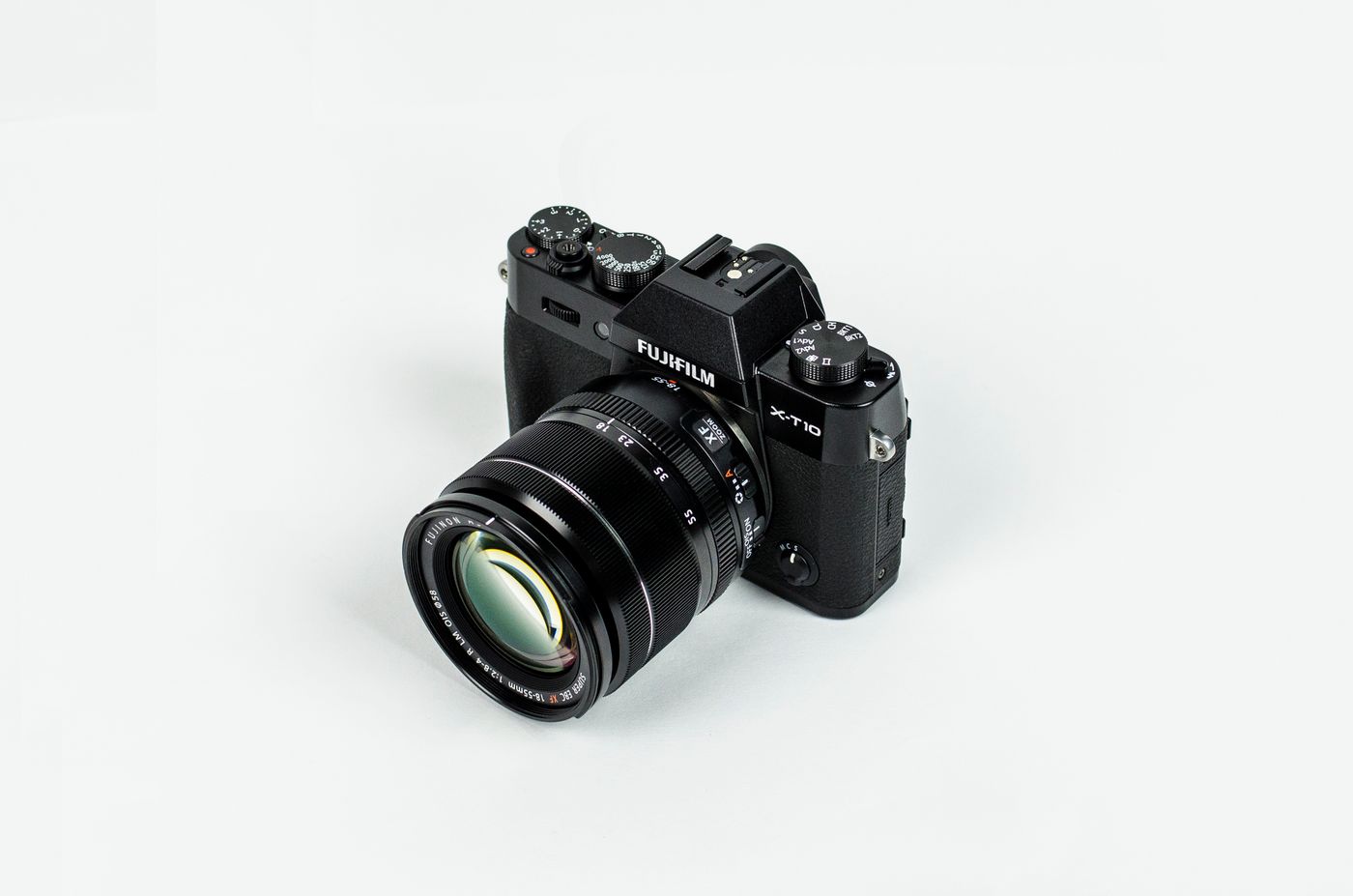
Most gear problems can be prevented by checking four layers in order: physical fit, electronic communication, optical or operational coverage, and real-world workflow limits.
Confirm the mount, thread, shoe, clamp, cage, plate, plug, or connector type.
Check autofocus, aperture control, stabilization, metadata, charging, and data support.
Match lens image circle, light spread, microphone pickup, media speed, and battery output.
Review total weight, balance, clearance, heat, runtime, storage rate, and environmental use.
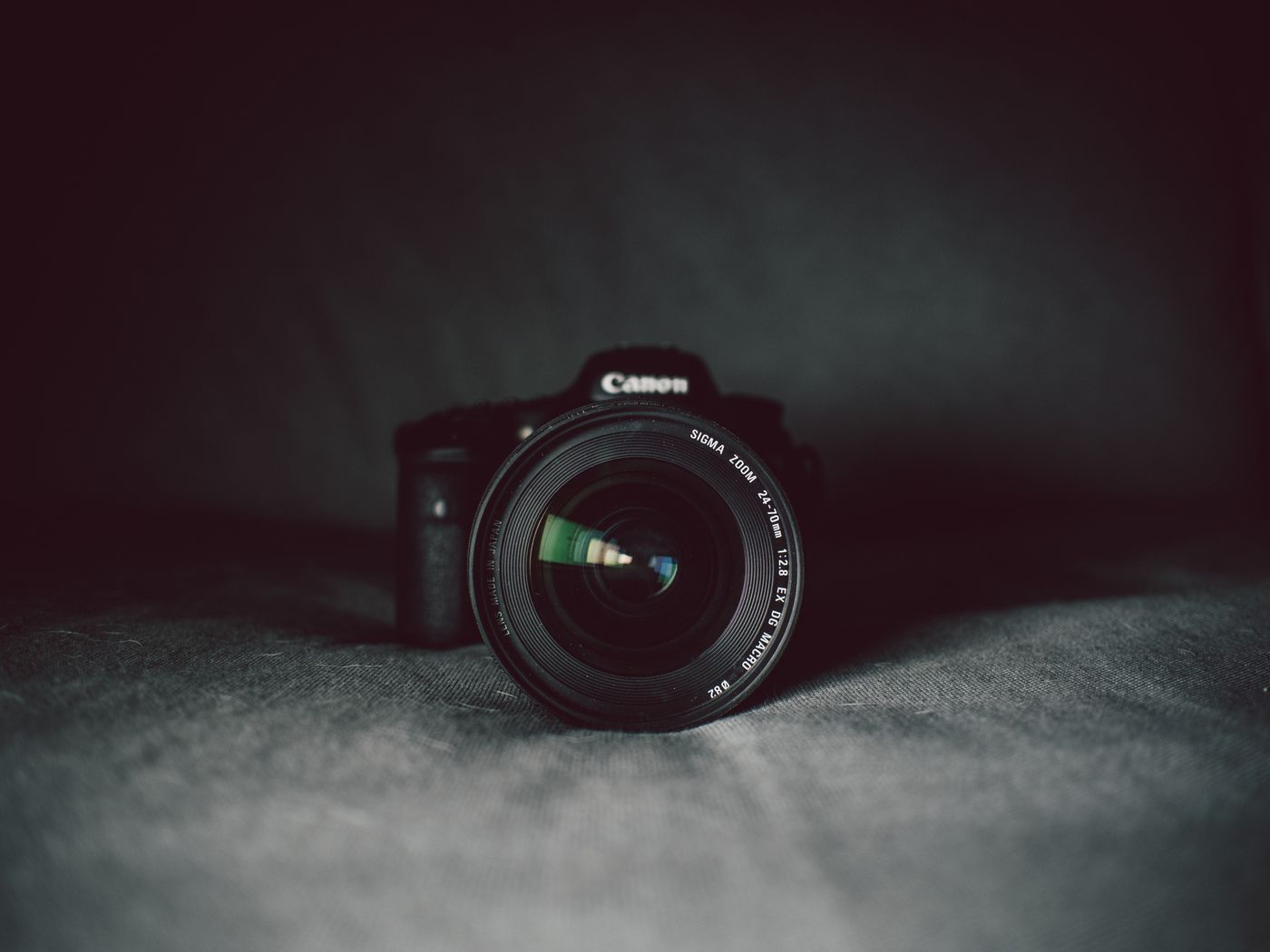
A useful focal length does not guarantee compatibility. The camera mount, sensor format, lens coverage, control features, and adapter behavior all need to align.
Native lenses are designed for the camera mount and usually offer the most predictable autofocus, aperture control, stabilization, correction profiles, and firmware communication.
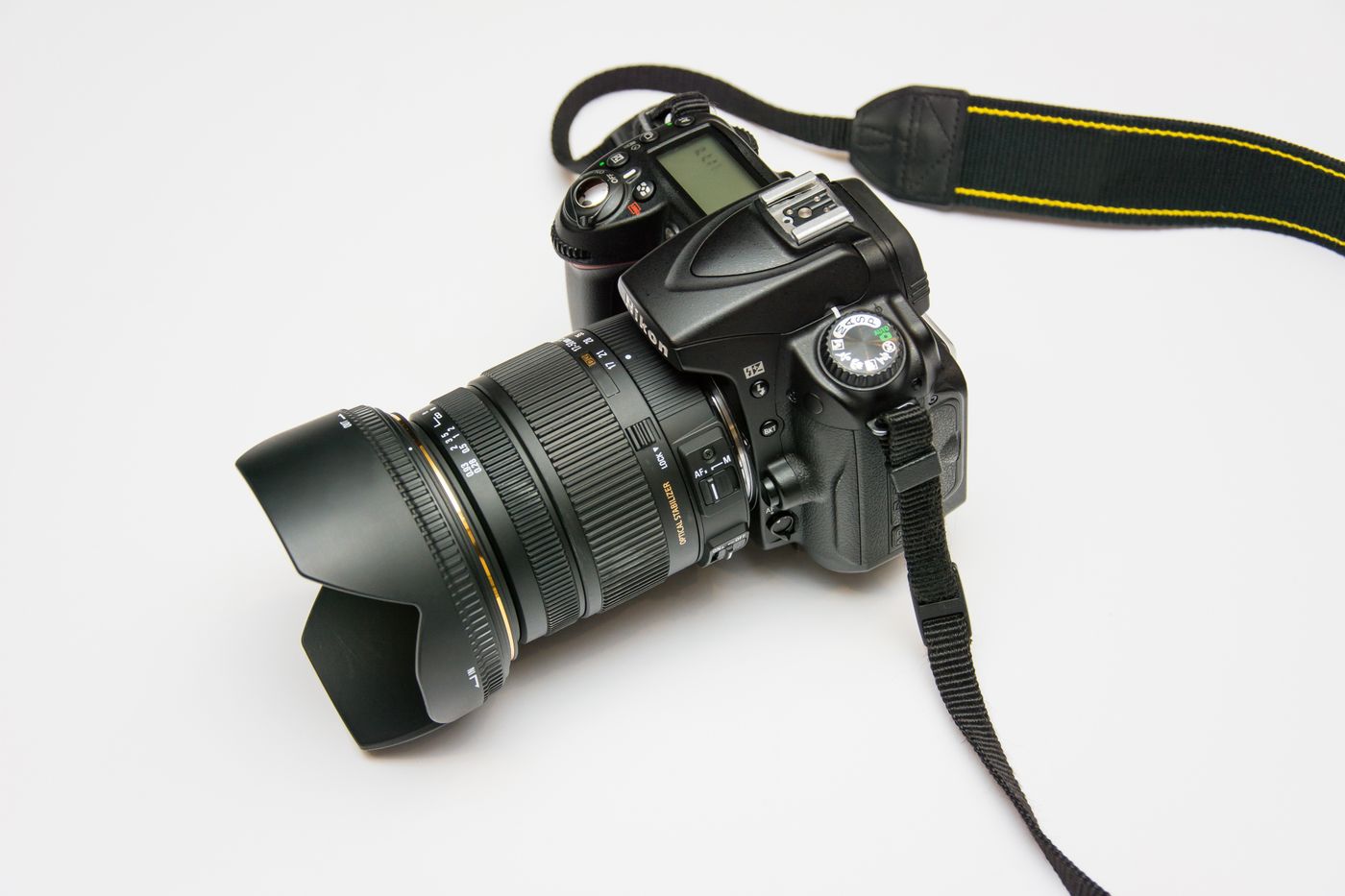
Different camera categories place different demands on lenses, stabilization, media, power, audio, and protection. Match accessories to the way the camera is built to work.
Check native mount, sensor format, cage clearance, USB power, hot shoe type, and stabilization balance.
Confirm DSLR mount generation, lens motor support, flash communication, battery family, and tripod load.
Focus on filter adapters, proprietary batteries, charging ports, memory card limits, cases, and mini supports.
Check frame generation, waterproof housing, mounting fingers, cage dimensions, battery access, and media speed.
Use slim poles, low-profile mounts, protected lenses, correct stitching clearance, and high-throughput storage.
Verify microphone input, shoe interface, screen clearance, compact support, USB power, and lightweight lenses.

Tripods, stabilizers, heads, clamps, and plates must support the full operating setup while preserving balance, movement, access, and safety.
Accessories can physically attach and still fail in practice. Check the signal, power, load, clearance, and performance standard behind every connection.
Match total payload, balance range, plate standard, mounting thread, camera clearance, and movement style.
Confirm input type, plug standard, power method, channel support, digital interface, monitoring, and cable clearance.
Check shoe type, trigger protocol, sync method, power source, modifier mount, load, and physical clearance.
Match card format, capacity limit, bus generation, sustained write speed, video mode, reader interface, and file workflow.
Verify battery model, voltage, connector, charging protocol, USB power standard, continuous output, and heat limits.
Compare internal dimensions, divider depth, lens length, grip height, accessory layout, weather protection, and carry comfort.
Compatibility becomes easier when the intended use is clear. Start with the camera, then add only the gear required by the shooting environment and delivery format.
Prioritize low weight, common charging, compact lenses, efficient storage, and protective carry.
Protect screen movement, microphone clearance, lightweight balance, and continuous power access.
Plan for payload headroom, fast media, extended power, monitoring, audio routing, and cable management.
An adapter can expand lens options, but it adds another physical and electronic layer. Compatibility should be checked for the exact body, lens, adapter, firmware, shooting mode, and support method.
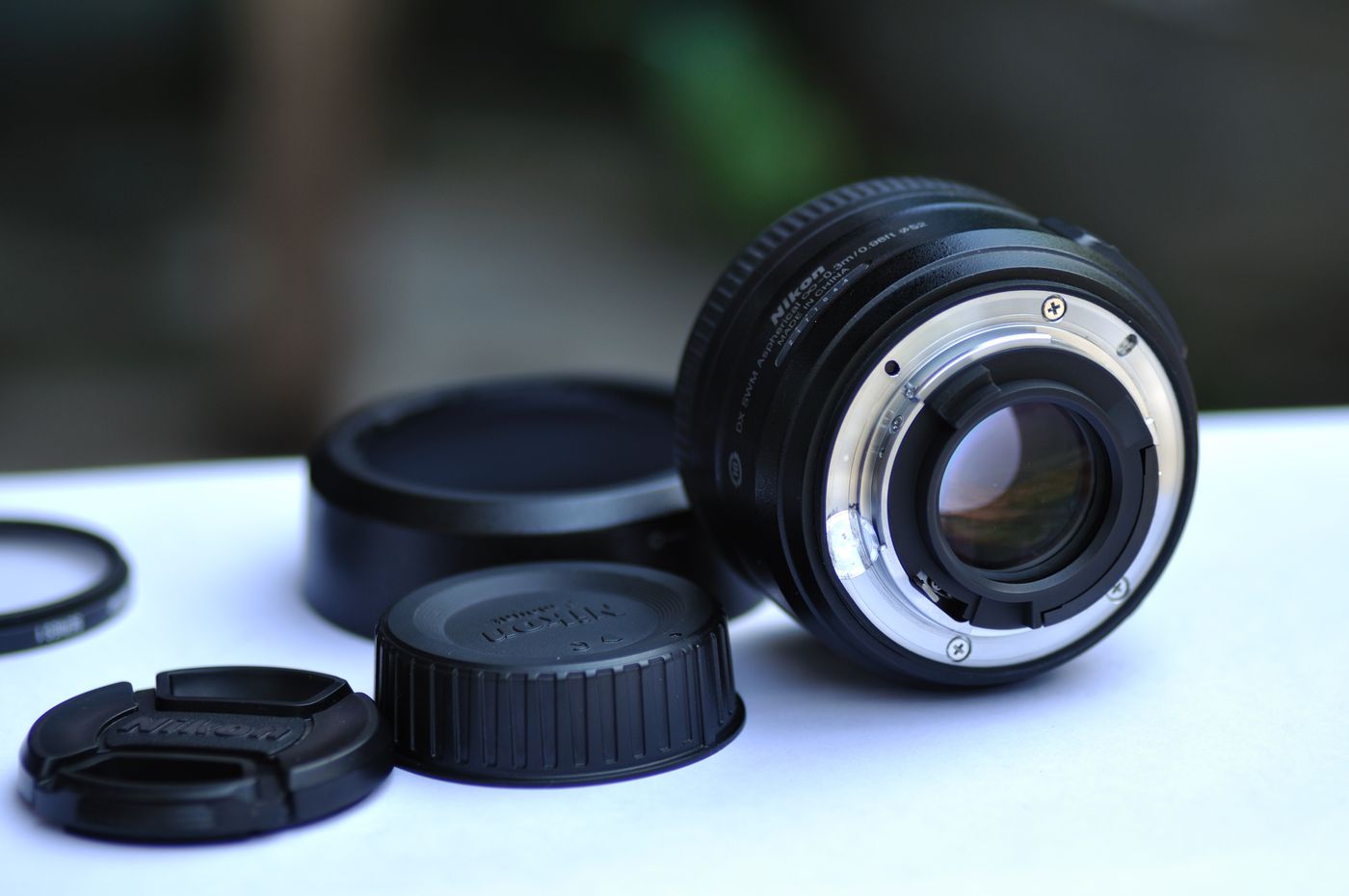
Before ordering, write down the exact model names and verify each point against the product specification. A complete check is faster than solving a mismatch later.
Record the camera, lens, adapter, microphone, light, stabilizer, card, battery, and case model names.
Confirm mounts, threads, shoes, clamps, plates, plugs, slots, and internal dimensions.
Review signal type, autofocus support, charging protocol, voltage, data rate, trigger protocol, and firmware.
Check lens image circle, field of view, light spread, audio pickup, media write speed, and output capacity.
Include every attached component and keep practical headroom for movement, balance, and safety.
Make sure doors, screens, ports, controls, cables, lens rings, and quick-release mechanisms remain usable.
Compatibility can change with resolution, frame rate, autofocus mode, stabilization, flash mode, or environmental housing.
These answers cover the most common compatibility decisions across cameras, lenses, supports, audio, lighting, storage, power, and protection.
No. A brand may use multiple lens mounts, battery families, flash systems, audio interfaces, and accessory generations. Always match the exact model and standard.
No. Adapter performance depends on the camera body, lens, adapter electronics, firmware, shooting mode, and sometimes the focus motor design. Verify the exact combination.
Use the complete working weight and leave practical headroom for balance, movement, wind, long lenses, and future accessories. A rated maximum is not the same as ideal operating capacity.
Physical card format does not guarantee sufficient sustained write speed, bus support, capacity compatibility, or approval for a high-resolution recording mode.
No. The camera and power source must support the correct voltage, current, connector, charging protocol, and operating mode. Some cameras charge only when powered off.
Check internal length, width, depth, divider layout, grip height, mounted lens length, accessory space, opening style, and whether the camera will be stored assembled.
Yes. A cage can change plate fit, gimbal balance, port access, screen movement, cable routing, battery access, and bag dimensions.
Include the complete model names for the camera, lens, adapter, support, audio, lighting, media, power, and case items you plan to combine. FocusNova support can help you review the connection points before purchase.